3.4.1 Visualization Roadmap: Choose the Chart Before the Style
Visualization is not decoration. It turns an analysis result into something another person can understand quickly.
Look at the Chart Choice Map First
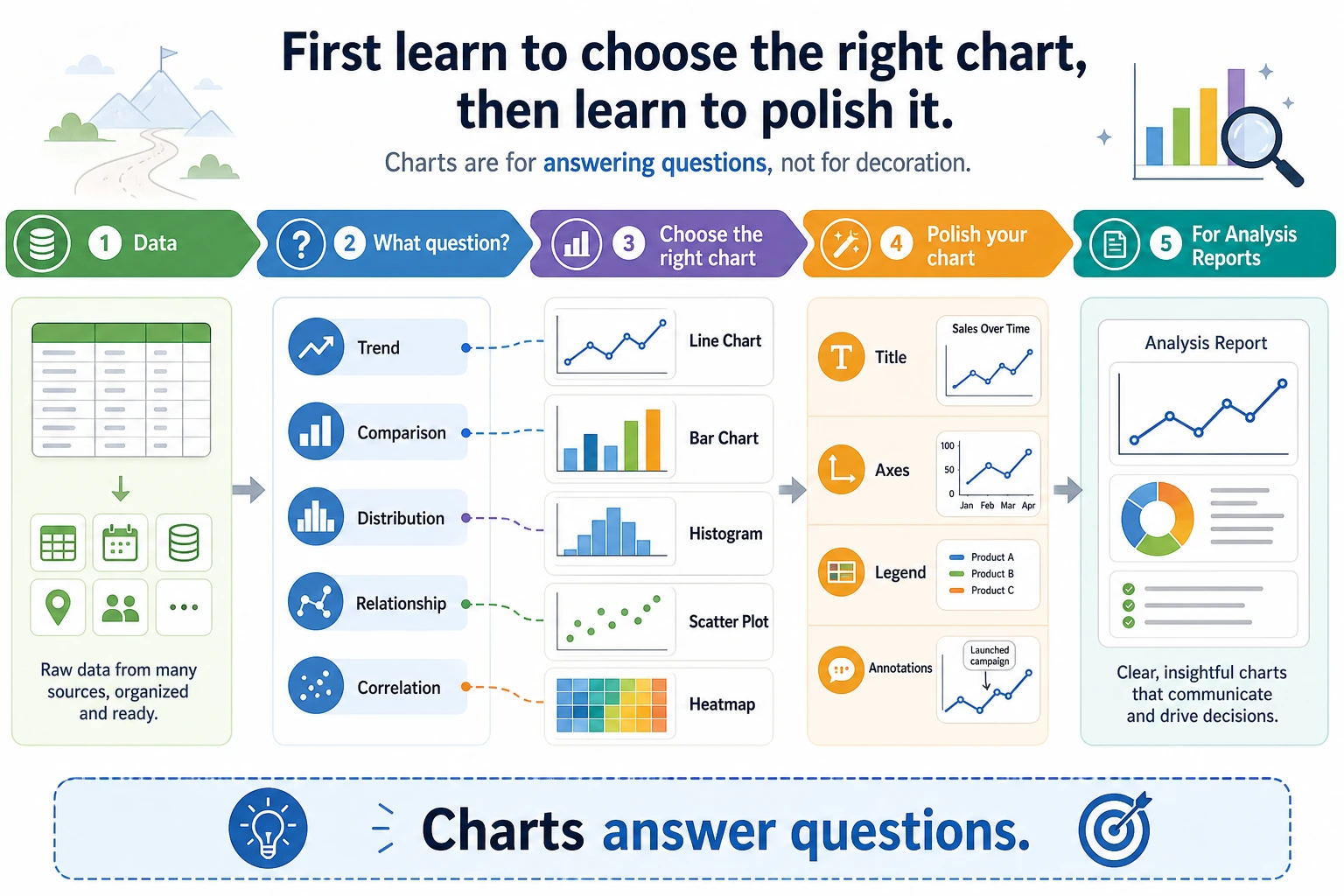
Use this decision first:
| If you want to show... | Start with... |
|---|---|
| change over time | line chart |
| category comparison | bar chart |
| distribution | histogram or box plot |
| relationship between two numbers | scatter plot |
| correlation matrix | heatmap |
After the chart type is right, then polish title, axes, legend, colors, and annotation.
Run One Chart Once
Create visual_first_loop.py and run it after installing pandas and matplotlib.
import pandas as pd
import matplotlib.pyplot as plt

sales = pd.DataFrame(
    {
        "month": ["2026-01", "2026-02", "2026-03", "2026-04"],
        "amount": [120, 180, 160, 220],
    }
)

ax = sales.plot(x="month", y="amount", marker="o", legend=False)
ax.set_title("Monthly sales")
ax.set_xlabel("Month")
ax.set_ylabel("Amount")
plt.tight_layout()
plt.savefig("sales_trend.png", dpi=150)

print("saved: sales_trend.png")
Expected output:
saved: sales_trend.png
Open the image and check one thing: can a reader see the trend within three seconds?
Learn in This Order
| Order | Read | What to practice |
|---|---|---|
| 1 | 3.4.2 Matplotlib Basics | Figure, Axes, line/bar/scatter |
| 2 | 3.4.3 Seaborn Statistical Visualization | faster exploratory charts |
| 3 | 3.4.5 Visualization Best Practices | chart choice, labels, color, misleading charts |
| 4 | 3.4.4 Plotly Interactive Visualization | interactive charts when the project needs them |
Pass Check
You pass this subchapter when you can create 4 useful charts from one dataset and explain why each chart type was chosen.