
2 Python Programming Fundamentals
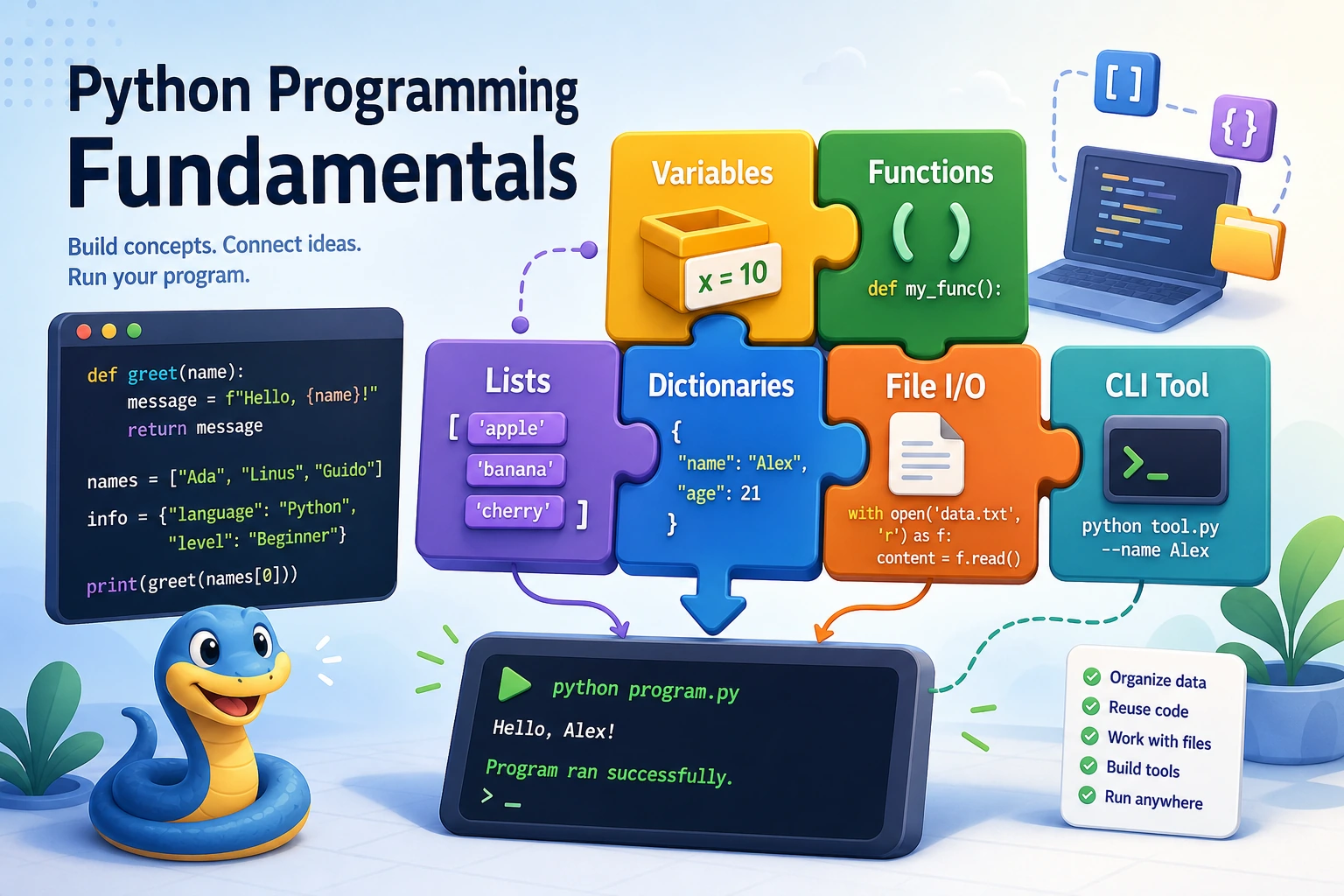
Chapter 2 has one job: help you turn a small idea into Python code that runs, saves data, handles errors, and can be explained.
See The Python Work Loop
Section titled “See The Python Work Loop”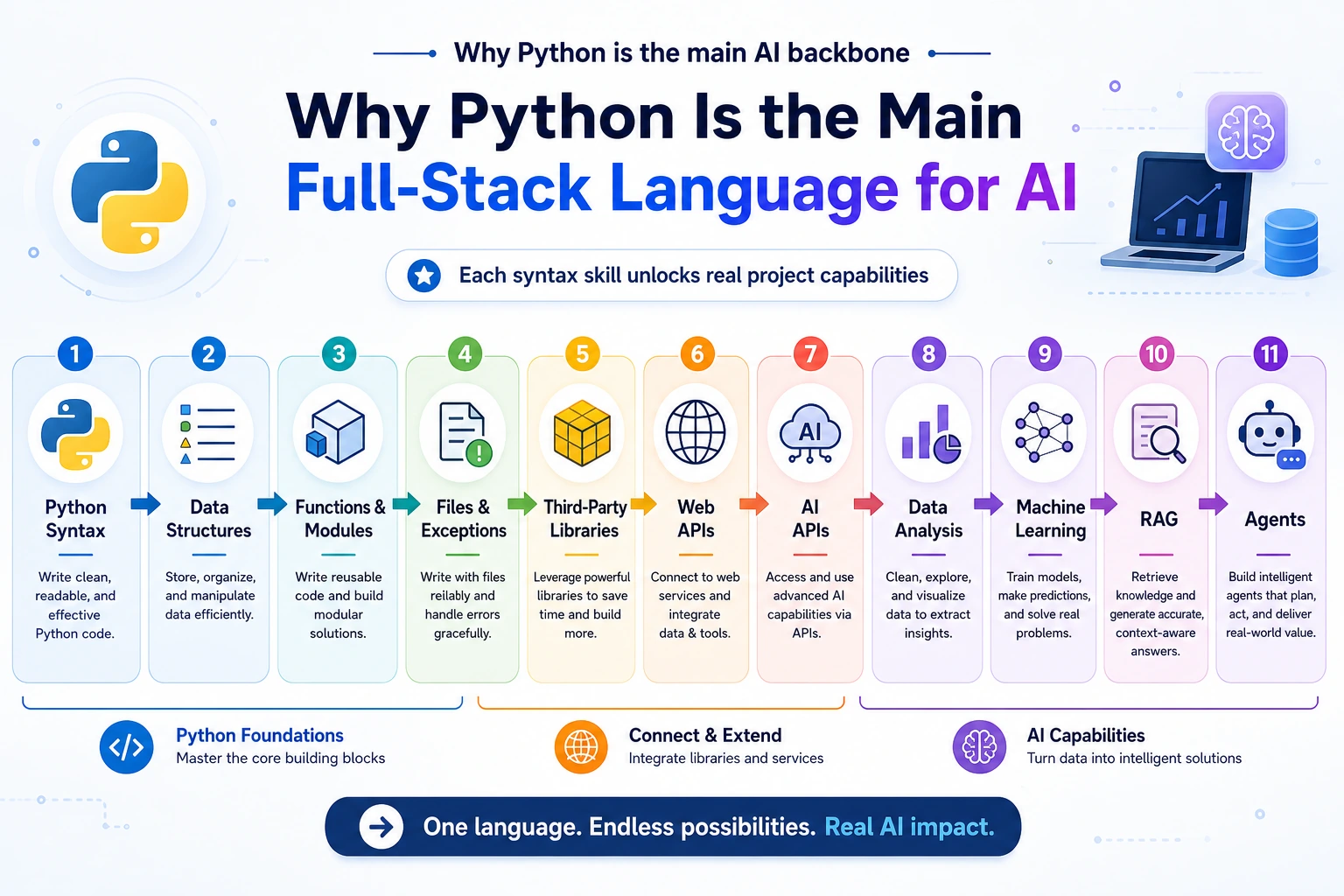
Read the picture first. Most beginner Python programs are this loop:
Python matters in AI because the same loop later becomes data cleaning, model training, RAG retrieval, API wrapping, and Agent tools.
Learning Order And Task List
Section titled “Learning Order And Task List”Use this checklist as both the chapter guide and the task sheet. Move in order, and keep one reviewable artifact after each step.
-
2.1.1 Python Introduction to 2.1.5 Flow Control Follow along: type small scripts with variables, input/output, conditions, and loops. Evidence to keep: 5 changed scripts with expected output.
-
2.1.6 Data Structures Follow along: store the same task list with a list, dict, and JSON-shaped object. Evidence to keep: a note explaining why one structure fits best.
-
2.1.7 Function Basics and 2.1.8 Modules and Packages Follow along: split repeated logic into functions and a module. Evidence to keep: a script with clear inputs and return values.
-
2.2.2 Exception Handling and 2.2.3 File Operations Follow along: save data, read it back, and handle a missing or broken file. Evidence to keep: a JSON/text file plus one debug note.
-
2.2.1 OOP, 2.2.5 Iterators, and 2.2.6 Type Hints Follow along: skim first, then return when a project needs structure or clarity. Evidence to keep: one refactored function or class.
-
2.3.1 Task Manager to 2.3.4 AI API Experience Follow along: build small projects that save data, collect data, expose an API, and call an AI API. Evidence to keep: project folders with README run commands.
-
2.3.5 Follow-Along Workshop Follow along: combine CLI commands, JSON persistence, stats, and report export. Evidence to keep:
ch02_output/plus terminal output.
Key terms for this chapter:
| Term | Meaning |
|---|---|
CLI | Command-Line Interface: a program controlled by typed commands |
I/O | Input/Output: data entering a program and results leaving it |
JSON | A text format for nested data such as tasks and API responses |
API | A doorway that lets one program call another program |
SDK | A library that wraps an API into easier functions |
First Runnable Loop
Section titled “First Runnable Loop”Run this in an empty practice folder. It creates a tiny JSON task manager without any third-party package.
import jsonfrom pathlib import Path
DATA = Path("tasks.json")
def load_tasks():    if not DATA.exists():        return []    try:        return json.loads(DATA.read_text(encoding="utf-8"))    except json.JSONDecodeError:        return []
def save_tasks(tasks):    DATA.write_text(json.dumps(tasks, ensure_ascii=False, indent=2), encoding="utf-8")
tasks = load_tasks()tasks.append({"title": "Learn Python file I/O", "done": False})save_tasks(tasks)print(f"saved {len(tasks)} task(s)")
Expected output:
saved 1 task(s)Run it twice. The second run should print saved 2 task(s). That proves the program can save state and read it back.
How to read this output
Section titled “How to read this output”- The first run proves the program can create a data file.
- The second run proves it can read previous state and append new data.
tasks.jsonis the real artifact; the printed line is only the quick confirmation.- If the count resets to
1, inspect the working directory and file path first.
Depth Ladder
Section titled “Depth Ladder”| Level | What you can prove |
|---|---|
| Minimum pass | You can write expressions, conditions, loops, and functions that produce the expected output. |
| Project-ready | The program can persist data, handle one failure path, and explain its inputs and outputs in a README. |
| Deeper check | You can separate core logic from file/API boundaries, add type hints where they clarify intent, and test one edge case before changing the code. |
Evidence to Keep
Section titled “Evidence to Keep”Keep this page’s proof of learning as a small evidence card:
- Program Loop
- input, processing, output, and saved state if any
- Code File
- Python file or notebook cell that can be rerun
- Output
- printed result, file result, or user-facing behavior
- Failure Check
- syntax, path, type, dependency, or control-flow issue
- Expected Output
- a rerunnable Python artifact that prepares for data and AI apps
Common Failures
Section titled “Common Failures”| Symptom | First thing to check | Usual fix |
|---|---|---|
| Syntax error | The reported line and the line above it | Check indentation, parentheses, quotes, and colons |
| File not found | The current working directory | Print Path.cwd() and move the file or change the path |
| JSON parsing failed | Whether the file is empty or malformed | Add try/except and fall back to an empty list |
| Function is confusing | Inputs, return value, and hidden global state | Split it into smaller functions with one responsibility |
| API call fails | Parameters, status code, and returned error body | Print the response safely and handle the error path |
Pass Check
Section titled “Pass Check”Move to Chapter 3 when you can answer these five questions:
- What data enters the program, and what result leaves it?
- When is a dictionary better than a list?
- What folder is a file path relative to?
- What is the difference between
printandreturn? - Can another person run your project from the README?
Check reasoning and explanation
- Program input can be command-line text, user input, a file, or an API response. Output can be printed text, a returned value, a saved file, or a response sent to another program.
- A dictionary is better when each item needs named fields or fast lookup by key. A list is better for an ordered collection of similar items.
- Relative file paths are resolved from the current working directory, which may not be the script folder. Use
Path.cwd()andPath(__file__).resolve()to check both. print()displays information for humans and returnsNone.returnsends a value back to the caller so it can be reused, tested, or stored.- A README is ready when a fresh terminal can install dependencies, run the command, and reproduce the expected output without hidden steps.
For a printable checklist, use 2.0 Study Guide and Task Sheet. The next chapter will use Python to process CSV files, analyze data, and connect databases.