12.2.1 Image Generation Roadmap: Prompt, Control, Review
Image generation is a workflow, not a single prompt. A useful result needs intent, prompt records, parameters, optional controls, candidate comparison, and review.
See the Pipeline First
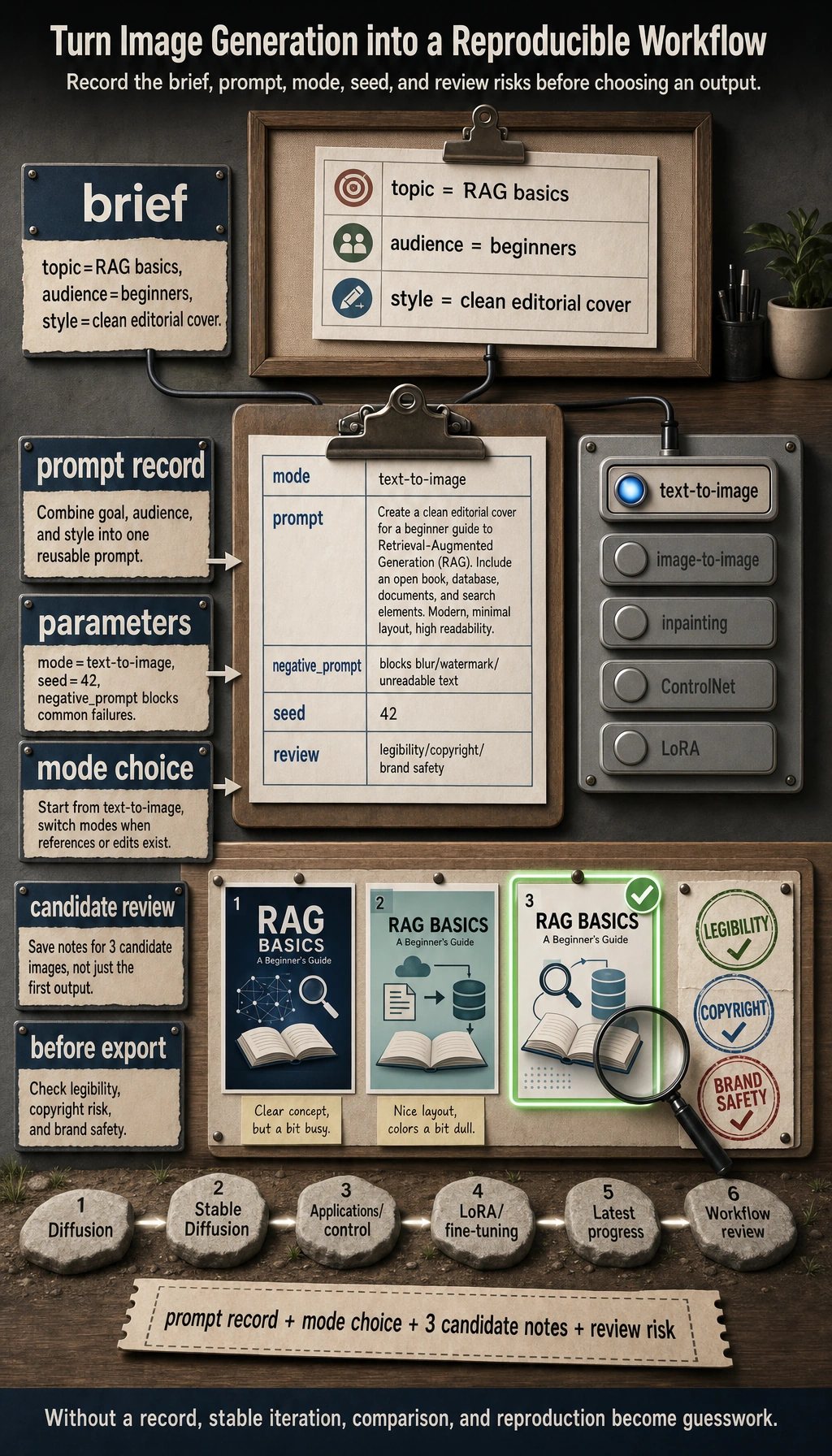
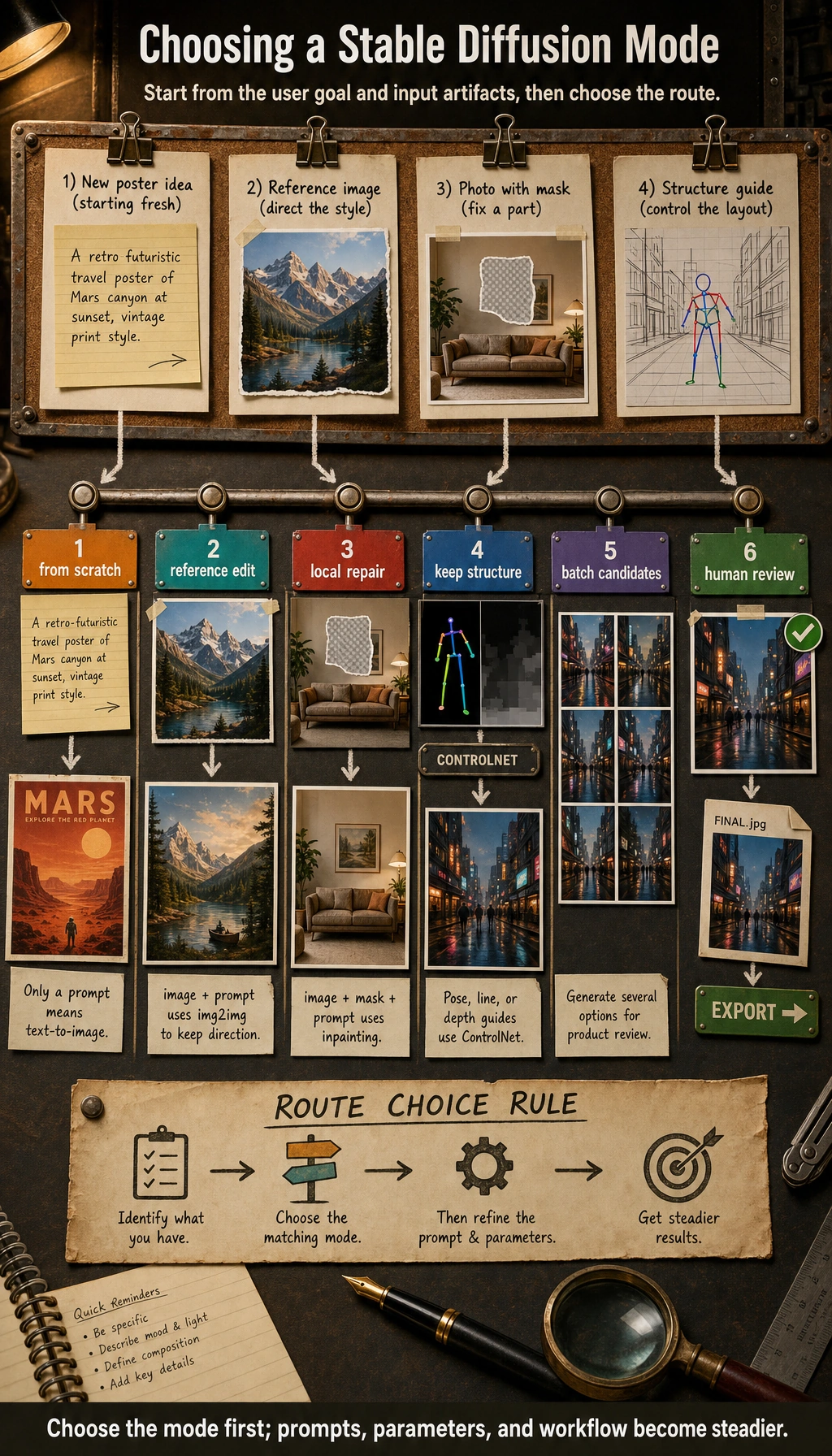
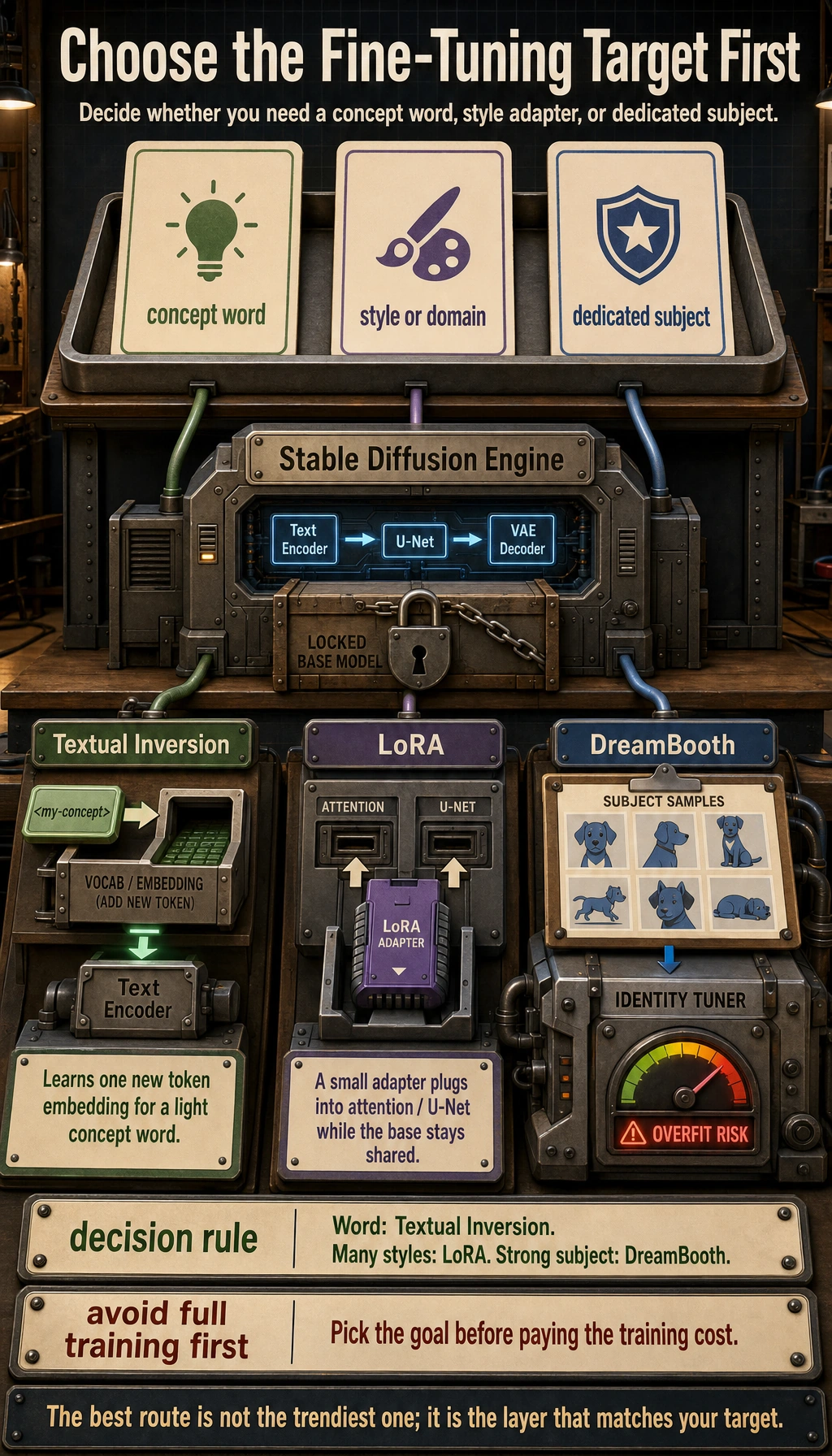
The first habit is to log what you asked for, which mode you used, which seed or parameters shaped the result, and what must be reviewed before export.
Build a Prompt Record
import json

brief = {
    "topic": "RAG basics",
    "audience": "beginners",
    "style": "clean editorial cover",
}
prompt = f"{brief['style']} for {brief['topic']}, friendly visual metaphor for {brief['audience']}, clear layout"
record = {
    "mode": "text-to-image",
    "prompt": prompt,
    "negative_prompt": "blurry, watermark, unreadable text",
    "seed": 42,
    "review": ["legibility", "copyright", "brand safety"],
}

print(json.dumps(record, indent=2))
Expected output:
{
  "mode": "text-to-image",
  "prompt": "clean editorial cover for RAG basics, friendly visual metaphor for beginners, clear layout",
  "negative_prompt": "blurry, watermark, unreadable text",
  "seed": 42,
  "review": [
    "legibility",
    "copyright",
    "brand safety"
  ]
}
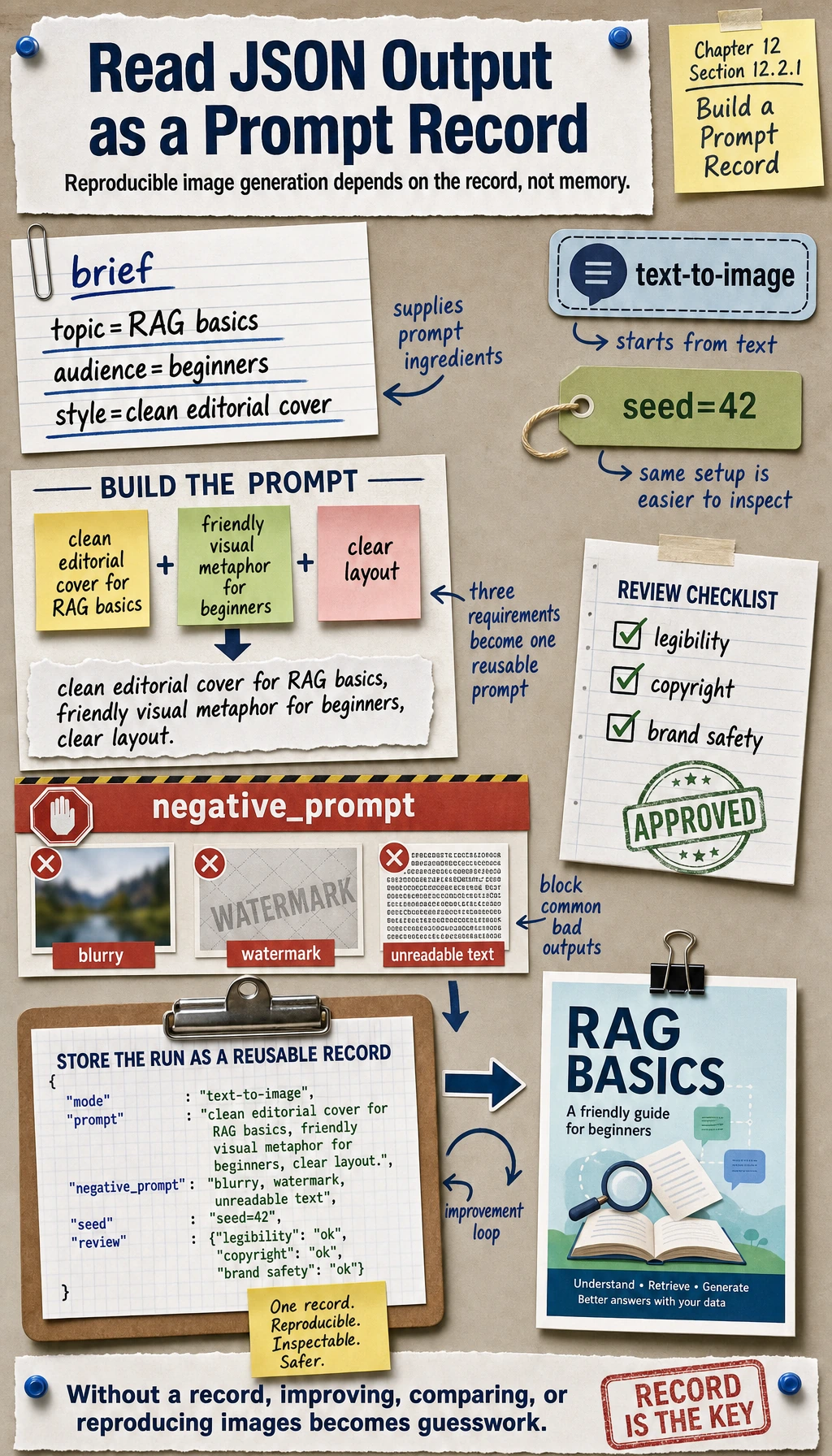
If you cannot reproduce the prompt record, you cannot reliably improve the image.
Learn in This Order
| Step | Read | Practice Output |
|---|---|---|
| 1 | Diffusion intuition | Explain noise, denoising, seed, and sampling |
| 2 | Stable Diffusion parts | Map text encoder, U-Net, VAE, and latent space |
| 3 | Applications and control | Compare text-to-image, image-to-image, inpainting, ControlNet, LoRA |
Pass Check
You pass this chapter when you can write a prompt record, explain which generation mode you chose, save 3 candidate notes, and mark at least one review risk before export.